 rainvoice
Rainvoice vs Superwhisper: Execution vs Local Dictation
Superwhisper transcribes your speech privately, on-device. Rainvoice does the task inside your app. Here's the honest difference — privacy, pricing, and which to pick.
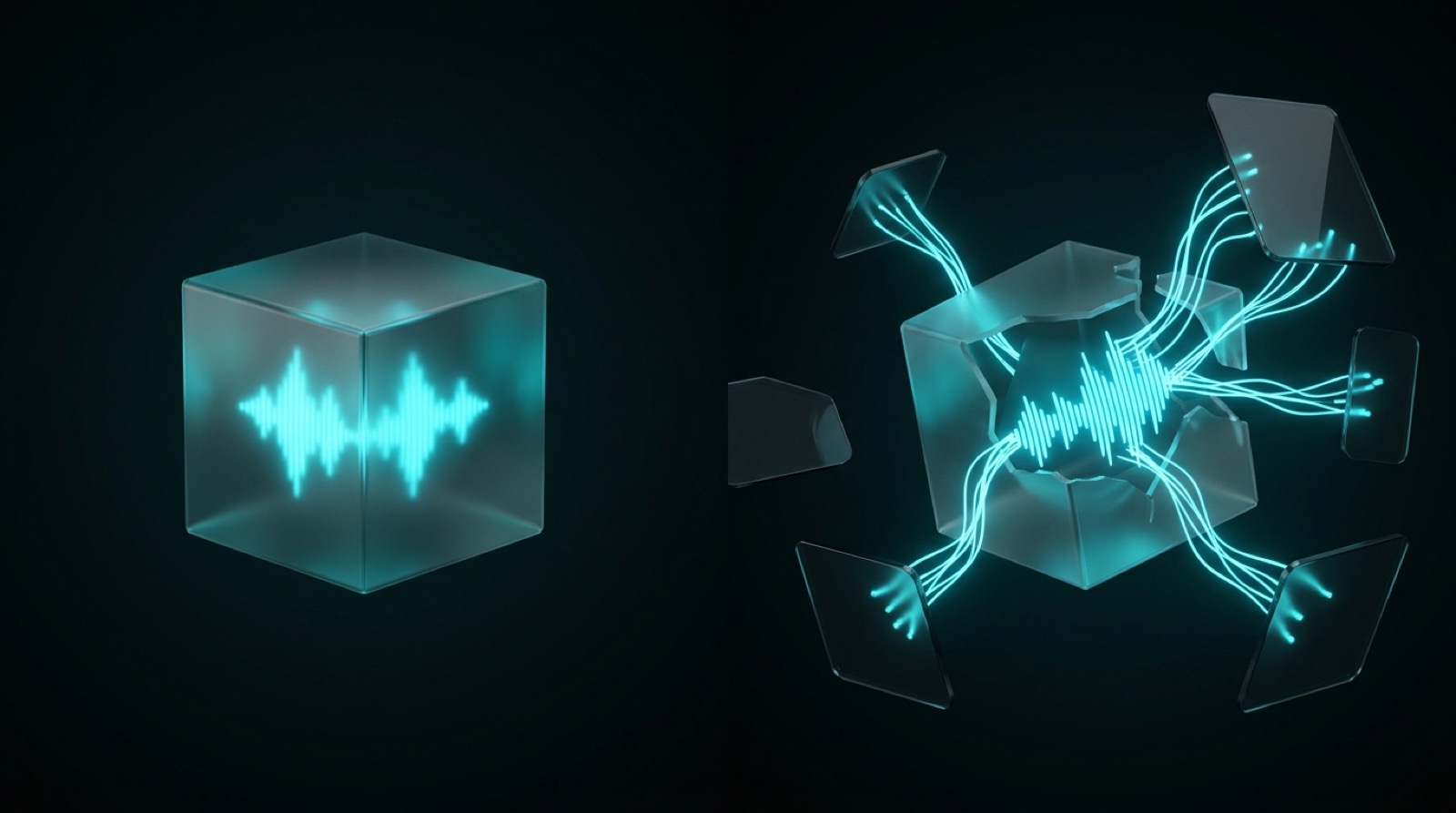
Superwhisper is the tool privacy people reach for. It runs the speech model on your own Mac, works on a plane, and never sends your audio anywhere. Rainvoice answers a different question: not "how do I get my words typed privately," but "how do I get the task done without leaving the app I'm in."
Both start with your voice. One returns private, on-device text. The other reads what's on your screen and finishes the job. If you're choosing between them, this guide draws the line honestly — including the clear case where Superwhisper is the right pick and Rainvoice isn't.
Key Takeaways
What's the difference between Rainvoice and Superwhisper?
Superwhisper turns speech into private text on your machine; Rainvoice turns speech into a finished task. Superwhisper is an on-device dictation tool — it runs transcription models locally, formats the result, and inserts it at your cursor without your audio ever leaving the Mac (Superwhisper). Rainvoice uses what's already on your screen to understand the job and complete it in place. Same voice, different finish line.
Here's the practical split:
| Superwhisper | Rainvoice | |
|---|---|---|
| Core job | On-device dictation (speech → text) | Voice-first execution (speech → task) |
| Output | Formatted text at your cursor | A finished action, in-app |
| Runs offline / on-device | Yes (local models) | No (needs a model to act) |
| Uses on-screen context | No | Yes |
| Replaces tab-switching | No | Yes |
| Reshapes your text (modes) | Yes | Yes |
| Platforms | macOS, Windows, iOS | macOS 12+ |
Think of Superwhisper as a private transcriptionist who never leaves your desk. Rainvoice is the coworker who read the screen and did the thing.
What is Superwhisper good at?
Privacy, done properly. Superwhisper runs Whisper and NVIDIA Parakeet models locally, so it works fully offline and your microphone input never leaves the machine (Superwhisper). If you dictate sensitive notes, work in a secure environment, or just don't want your voice going to anyone's cloud, this is the category leader and Rainvoice doesn't compete on that ground.
It's also more capable than plain dictation. Its "modes" — Email, Message, custom prompts — reshape a rambling brain-dump into clean, formatted text in the tone you want, and Pro adds optional cloud models and file transcription if you want them (Superwhisper). And it's cross-platform: macOS, Windows, and iOS, with the on-device experience strongest on Apple Silicon. Reviewers rate it highly — 4.4/5 across hundreds of App Store ratings (Apple App Store).
So this isn't a teardown. Superwhisper is an excellent dictation app. The question is whether dictation is the job you actually need done.
Where does Superwhisper stop?
It stops at text. Superwhisper can reshape what you said — fix the tone, format it, clean it up — but the output is still words at your cursor that you place and send yourself. Its modes transform text; they don't act on the app around it (Superwhisper). Nothing reads the thread you're replying to or the clause you're highlighting.
That shows up in the everyday loop. You're in Gmail answering a pricing thread: you dictate a reply, Superwhisper formats it nicely, and then you still position it, re-read it against the thread, and send. If you needed to check what the thread said to answer well, you did that yourself. The transcription was private and clean. The job didn't get smaller.
This is the honest ceiling of every dictation tool, Superwhisper included: it makes the typing faster and (in Superwhisper's case) private, and leaves the rest of the steps where they were. We unpacked why that gap matters in dictation vs voice-first computing.
What does Rainvoice do differently?
Rainvoice reads the screen and finishes the task. Instead of returning text for you to place, it understands what you want from the context that's already open and completes the action in the same window — no copy, no paste, no tab switch. You describe an outcome; it produces the outcome.
Three everyday moves, each replacing a detour with one sentence:
The win isn't faster typing — it's fewer steps. Speaking is about 3× faster than a phone keyboard even after fixing errors (Stanford, 2017), but the real tax is switching, not typing. Knowledge workers toggle between apps and sites about 1,200 times a day (Harvard Business Review, 2022), and it takes around 23 minutes to fully refocus after each real interruption (UC Irvine). Dictation speeds up one step. Execution deletes the loop. The same logic powers Rainvoice vs Wispr Flow, if you're comparing across the category.
Which is more private — and which works offline?
Superwhisper wins this one cleanly, and it's worth saying plainly. Its local models run entirely on your Mac, work without an internet connection, and keep your audio on the machine — nothing about what you dictate is stored on their servers (Superwhisper). If you want optional cloud models for higher accuracy, those route through a proxy, but the on-device path is the default and the point.
Rainvoice is different by design. Understanding a task and acting on what's on your screen needs a capable model, so Rainvoice isn't a fully offline, on-device tool the way Superwhisper's local mode is. That's a real trade-off, not a footnote.
So be honest with yourself about the priority. If keeping every word on your own machine, offline, is the thing you care about most, Superwhisper is the better fit and you should pick it. If you'd trade that for having the task actually finished in the app you're in, that's the case for Rainvoice.
How do Rainvoice and Superwhisper compare on price?
Superwhisper is generous at the entry point and unusually flexible at the top. It's free to start, with Pro at $8.49/month, $84.99/year, or a one-time $249.99 lifetime license — which is rare and appealing if you're tired of subscriptions (Apple App Store). The lifetime option alone wins it some buyers.
Rainvoice is free to start on macOS 12+. If all you need is private transcription, Superwhisper's free tier may cover it — and that's a fair reason to choose it. The case for Rainvoice isn't price; it's that removing the copy-paste-switch loop returns time a faster transcriber never touches. Value shows up in trips not taken, not words per minute.
Which one should you choose?
Choose Superwhisper if privacy and offline use top your list. Nothing here beats running the model on your own Mac, working without a connection, and keeping your audio local — and the lifetime license and cross-platform reach (Mac, Windows, iOS) sweeten it. If "transcribe my words privately, anywhere" is the job, that's the pick.
Choose Rainvoice if the words are only half the job. When your day is replying, summarizing, drafting, and explaining — and the cost is bouncing between apps to do it — execution beats dictation. Rainvoice keeps you in the window and finishes the task. For the longer argument on why that matters, start with why talking to your apps beats tab-switching.
That's the whole idea behind Rainvoice: listen, understand the task, and do it inside whatever app you're using. It's free to start on macOS 12+.
Frequently asked questions
Is Rainvoice a Superwhisper alternative?
They overlap on press-to-talk, but solve different problems. Superwhisper is the alternative if you want private, on-device dictation — clean text inserted at your cursor, offline. Rainvoice is the alternative if you want the task itself completed in-app, using on-screen context, rather than getting text you still have to place and send. If privacy is your only concern, Superwhisper is hard to beat; if finishing the job is, Rainvoice is the different tool.
Does Superwhisper work offline?
Yes. That's its signature strength. Superwhisper runs transcription models locally on your Mac, so it works fully offline and your audio never leaves the machine (Superwhisper). Optional cloud models exist for higher accuracy, but the default on-device path needs no internet. Rainvoice, by contrast, needs a model to understand and act on tasks, so it isn't a fully offline tool.
Does Superwhisper execute tasks like sending emails or replying in Slack?
No. Superwhisper transcribes and reshapes your speech — its modes can change tone or formatting — but it doesn't take actions inside apps for you (Superwhisper). You still position the text and send it. Acting on intent — replying, summarizing, completing the task using what's on screen — is what voice-first execution adds.
Is Superwhisper Mac only?
No. Superwhisper runs on macOS, Windows, and iOS, though its on-device performance is strongest on Apple Silicon Macs (Superwhisper). Rainvoice is macOS 12+ only. So if platform breadth for dictation matters, Superwhisper is wider; the Rainvoice difference is execution and on-screen context, not which operating systems it covers.
Which is better for privacy, Rainvoice or Superwhisper?
Superwhisper, if privacy means keeping everything on your own device. Its local models keep audio on the Mac and work offline (Superwhisper). Rainvoice needs a capable model to read context and act, so it isn't fully on-device. Choose by what you're optimizing for: maximum on-device privacy points to Superwhisper; finishing tasks in-app points to Rainvoice.
Sources
Rainvoice is a voice-first execution layer for macOS — it listens, understands the task, and does it inside whatever app you're using. Download for Mac.
Stop tab-switching. Just talk to the app you're in.
Free to start. macOS 12+. Apple Silicon + Intel.
Download for Mac